We are happy to announce the official release of MyDraw v3.0.
The new version comes with plenty of improvements and new functionalities for the even better diagramming experience.
Following is a detailed description of the features introduced in MyDraw v3.0:
Drawing themes and shape styles
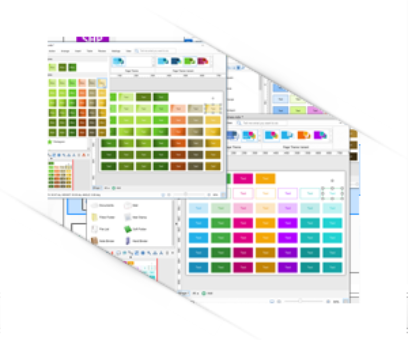
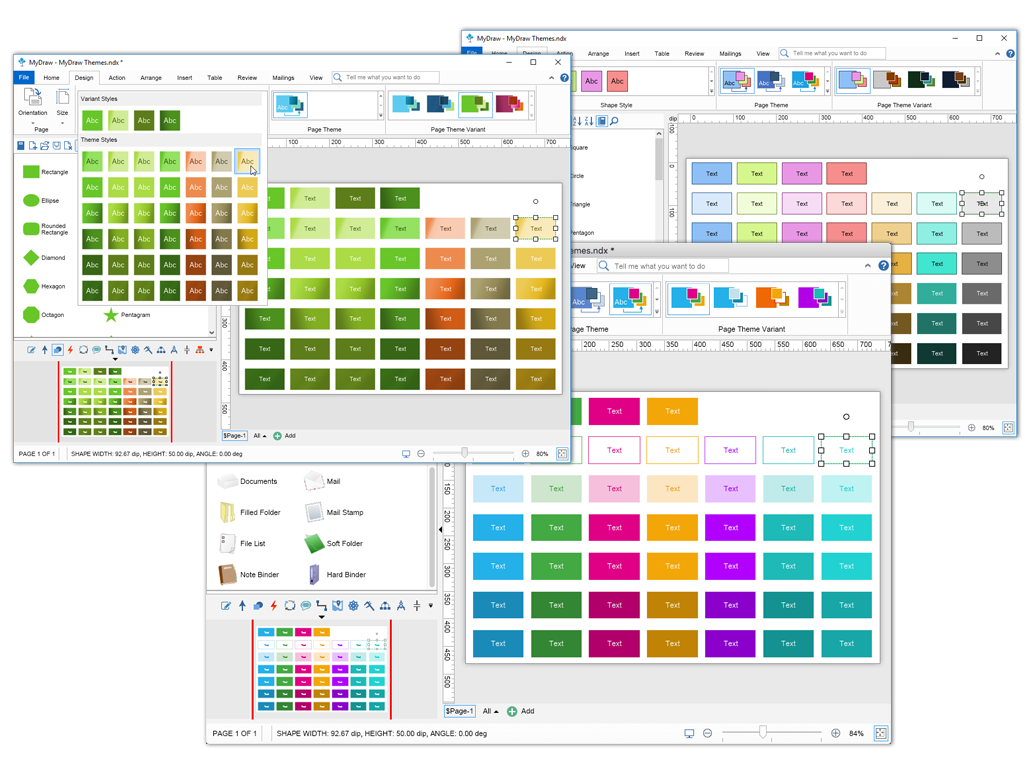
MyDraw now provides a collection of beautiful preselected themes and shape styles. This functionality allows you to quickly style your diagrams. Choose between carefully selected color combinations and make each diagram stunning in less than a minute.
MyDraw themes and styles make it easy to quickly change the appearance of your shapes and even the whole drawing page.
Import of Vector Images
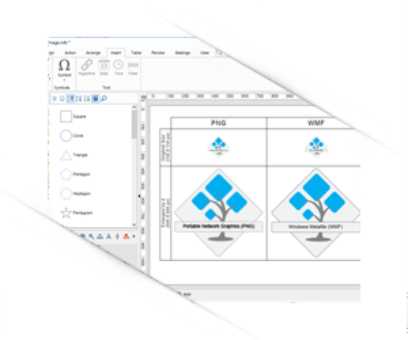
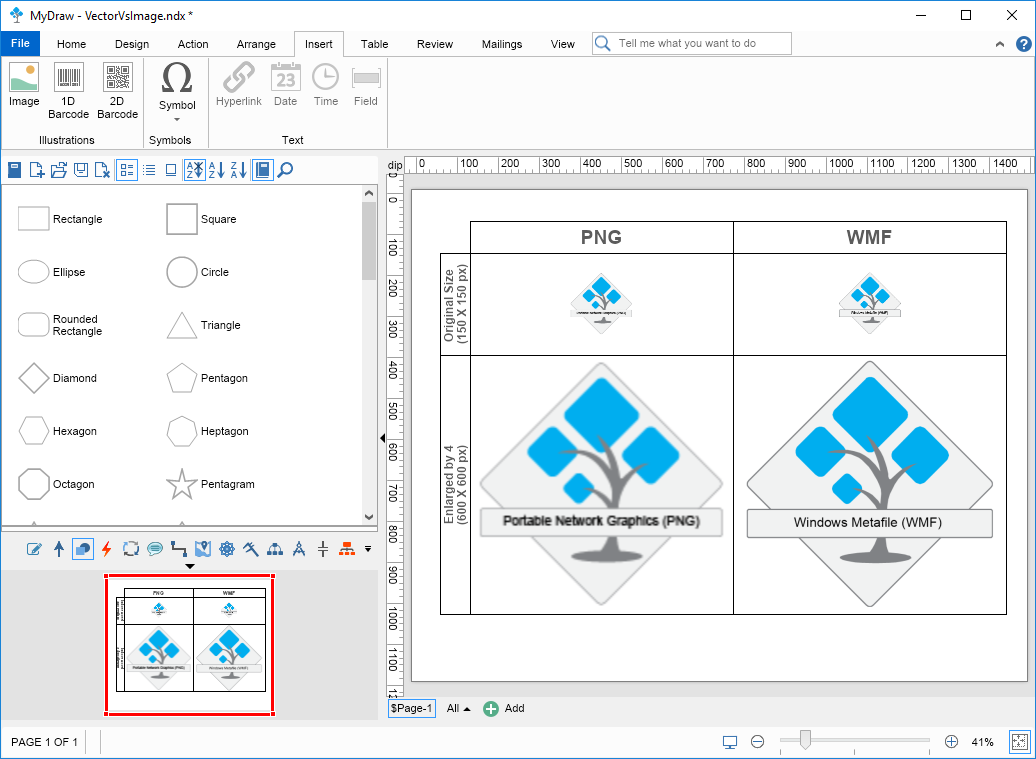
This new version of MyDraw now allows you to import vector images in Windows Metafile (WMF) and Enhanced Metafile (EMF) format.
Support for Tables
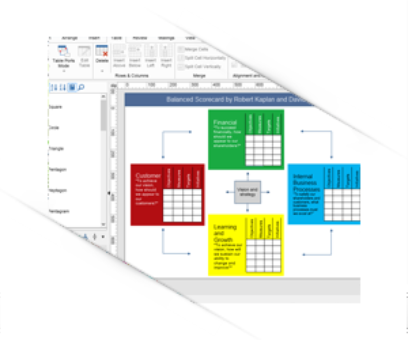
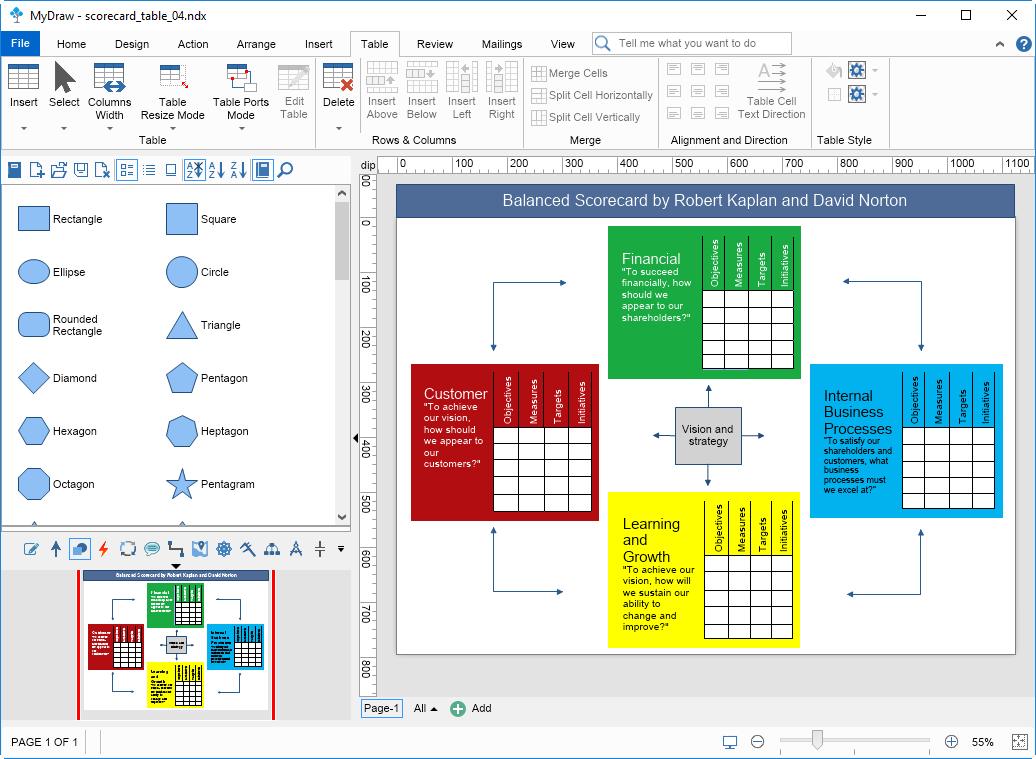
You can now easily create and edit any kind of table by using a lot of new features:
Row and column master cells, cell merge and split;
Text orientation - horizontal, vertical;
Per cell fill and border;
Collapsed and expanded cells margins support;
Row and column resizing;
Table columns with percentage, fixed and automatic width;
In-place editing of tables;
Automatic ports generation (table cell, grid, column or rows only);
Collapsible Borders;
Different table resize modes;
Auto table sizing;
Find and replace text in tables;
Multi-range selection of table cells, rows and columns.
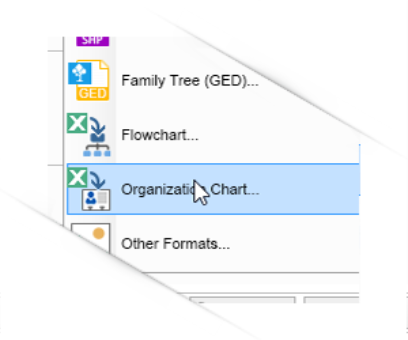
Importing Organization Chart from Excel
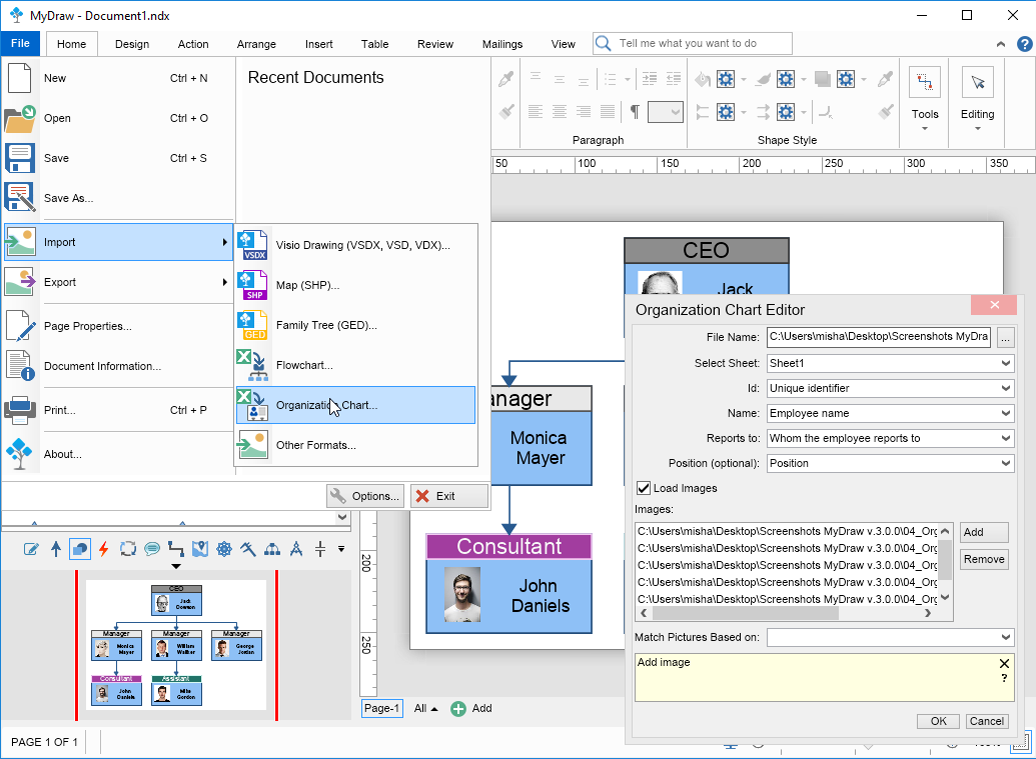
MyDraw empowers you to create a diagram of your organization based on data saved in an Excel file rapidly. You just need to create an Excel file with a few columns and import it in MyDraw. A click away after you import the data your Organizational Chart will be ready. Want to further edit it - MyDraw allows you to additionally upload the employees’ photos within your Organigram quick and easy.
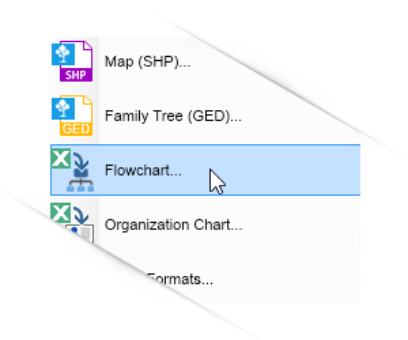
Importing Flowcharts from Excel
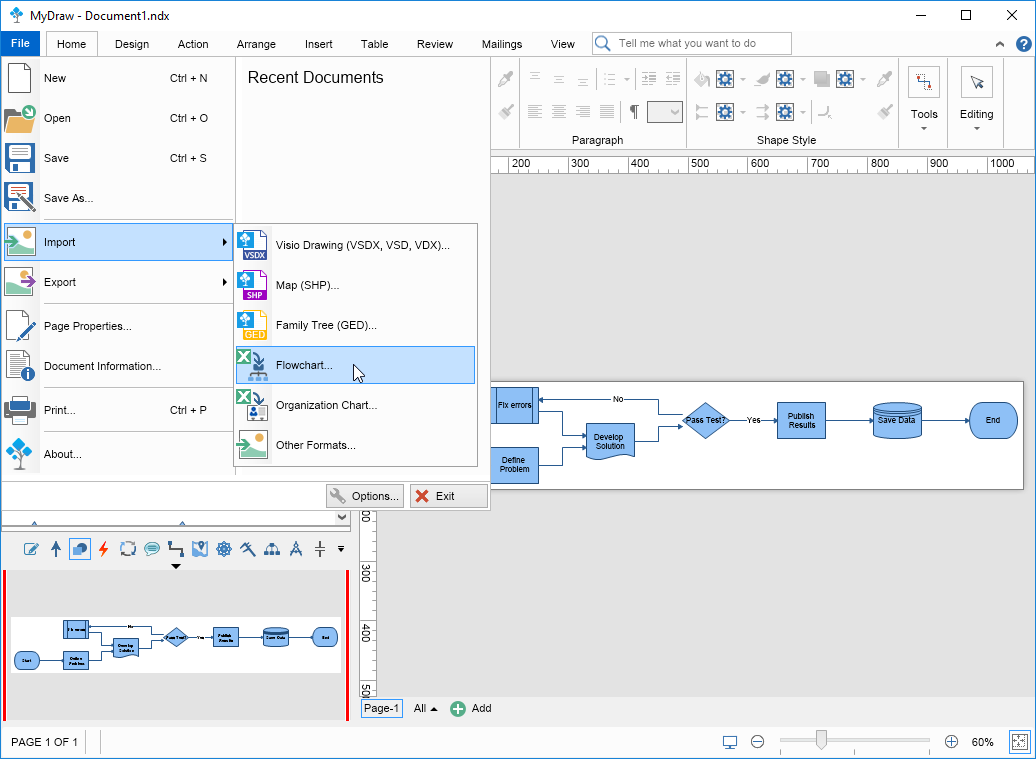
Creating a Flowchart has never been easier. Complete just a few steps, prepare your data in Excel file and your beautiful flowchart will show up. Use the prebuilt drawing themes and get your flowchart perfectly aligned with your company/department’s colors ready in no time.
A lot of new shape libraries and drawing templates are available
Shape Libraries:
Dimensioning Engineering
Drawing Tool Shapes
Decision Tree Shapes
Organizational Shapes
New Drawing Templates:
BPMN
Cause & Effect
Decision Tree Shapes
Organizational Shapes
Visio import and export improvements
A lot of improvements have been made to the Visio importer and exporter to ensure an even better Visio compatibility.
UI improvements and bug fixes
MyDraw works smoothly at high-resolution displays and monitors
Expect even more ...
Our team is constantly working to develop new diagram shapes, new features, and functionality - that is why you can expect from MyDraw even more.
MyDraw free support
MyDraw provides free support for registered and trial users. You have access to help documentation, online resources, community forum and hundreds of ready-to-use examples. Our technical team is also happy to assist MyDraw users via e-mail directly.
30-days fully-functional trial
MyDraw is free for 1 month without any limitation in functionality. You can test every aspect of it and save your diagrams to PDF, high-resolution images for printing.
We are confident in the quality of MyDraw and our support services.
That is why, except for the 30-day trial, MyDraw carries a 30-day money-back guarantee when you purchase directly from the MyDraw.com website.