email@mydraw.com
Log In
Features
User Interface
Vector Drawings
Shapes and Connectors
Rich Text and Tables
Barcodes
Automatic Layouts
Printing and PDF
Image Generation
Data Import
Visio® Compatibility
Jira® Integration
Confluence® Integration
Diagram Automation
Resources
Diagram Types
Diagram Templates
Shape Libraries
Free MyDraw and Visio Viewer
Buy
Online Store
Licensing
Discounts
Get MyDraw for Free
Returns Policy
Sales FAQ
Resellers
Resellers Program
Custom Payment
Support
Video Tutorials
Documentation
How-Tos
Forums
Company
About Us
Contact Us
News
Customers
Testimonials
TRY IT FREE
Features
Resources
Order
Support
Company
Try It Free
My Draw Introduction Video
Advanced Diagramming Software for
Flowcharts
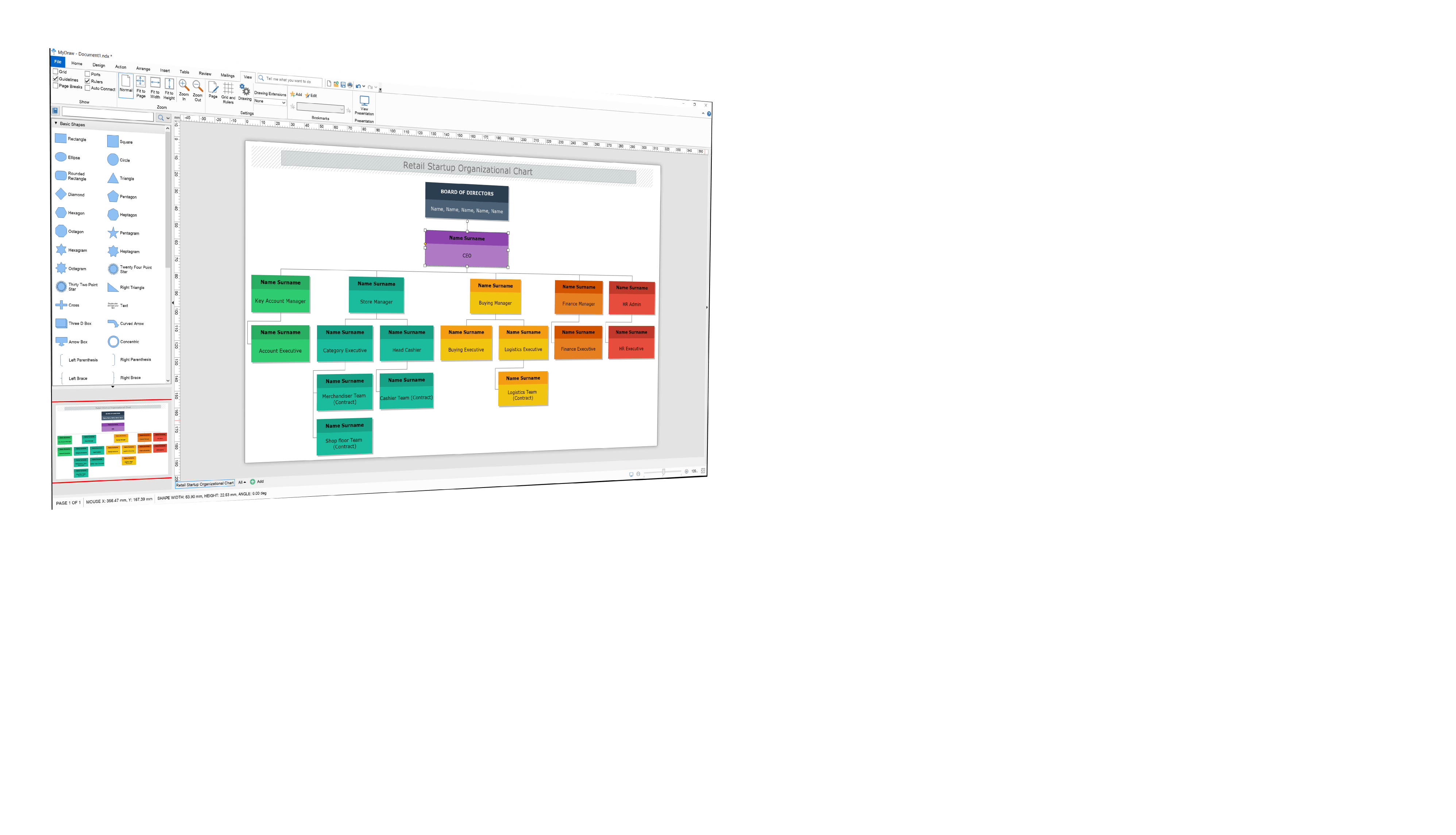
Organizational Charts
Family Tree Diagrams
Cross-Functional Diagrams
Cause and Effect Diagrams
Data Flow Diagrams
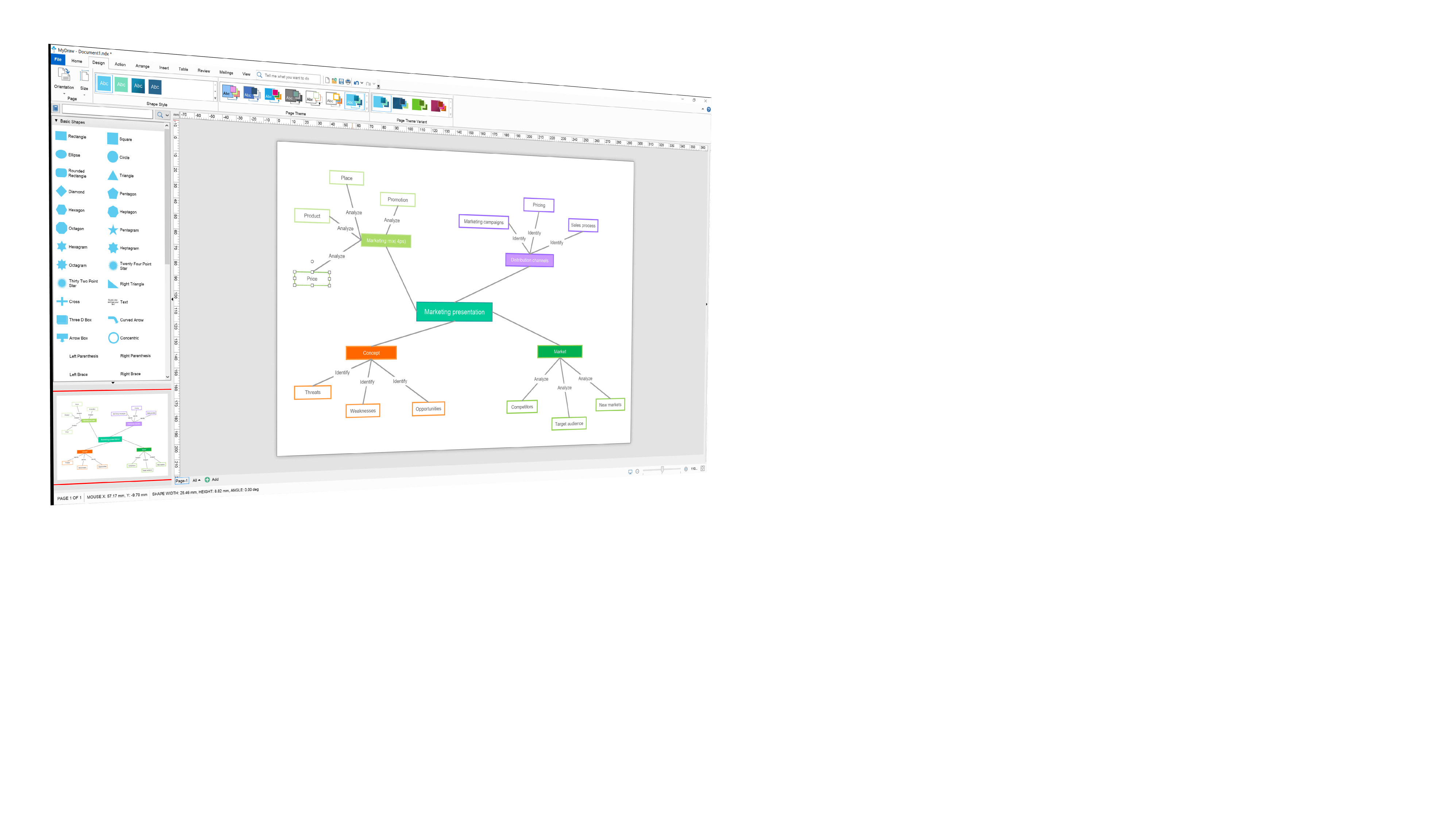
Mind Maps
SDL Diagrams
Venn Diagrams
Cross-Functional Diagrams
Workflow Diagrams
available for:
Version 7.3 Available Now
TRY IT FREE
BUY
Advanced Diagramming Software for
Flowcharts
Organizational Charts
Family Tree Diagrams
Cross-Functional Diagrams
Cause and Effect Diagrams
Data Flow Diagrams
Mind Maps
SDL Diagrams
Venn Diagrams
Cross-Functional Diagrams
Workflow Diagrams
available for:
Version 7.3 Available Now
TRY IT FREE
BUY
My Draw Introduction Video
Why MyDraw?
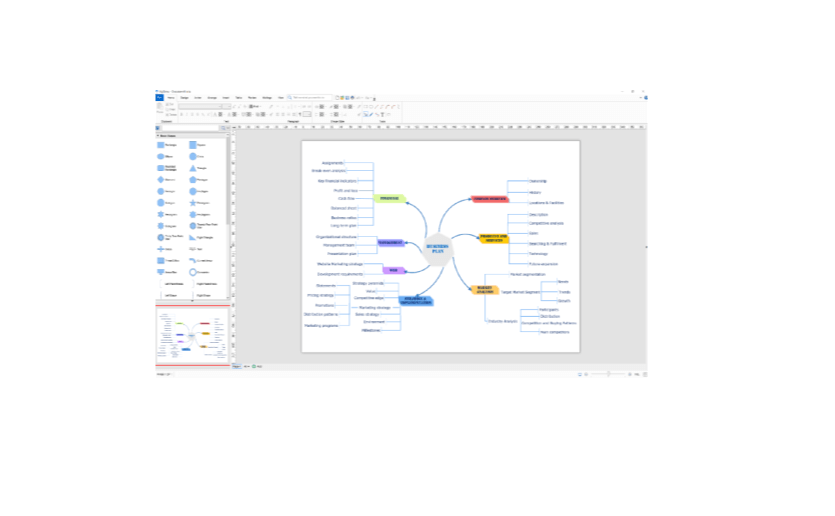
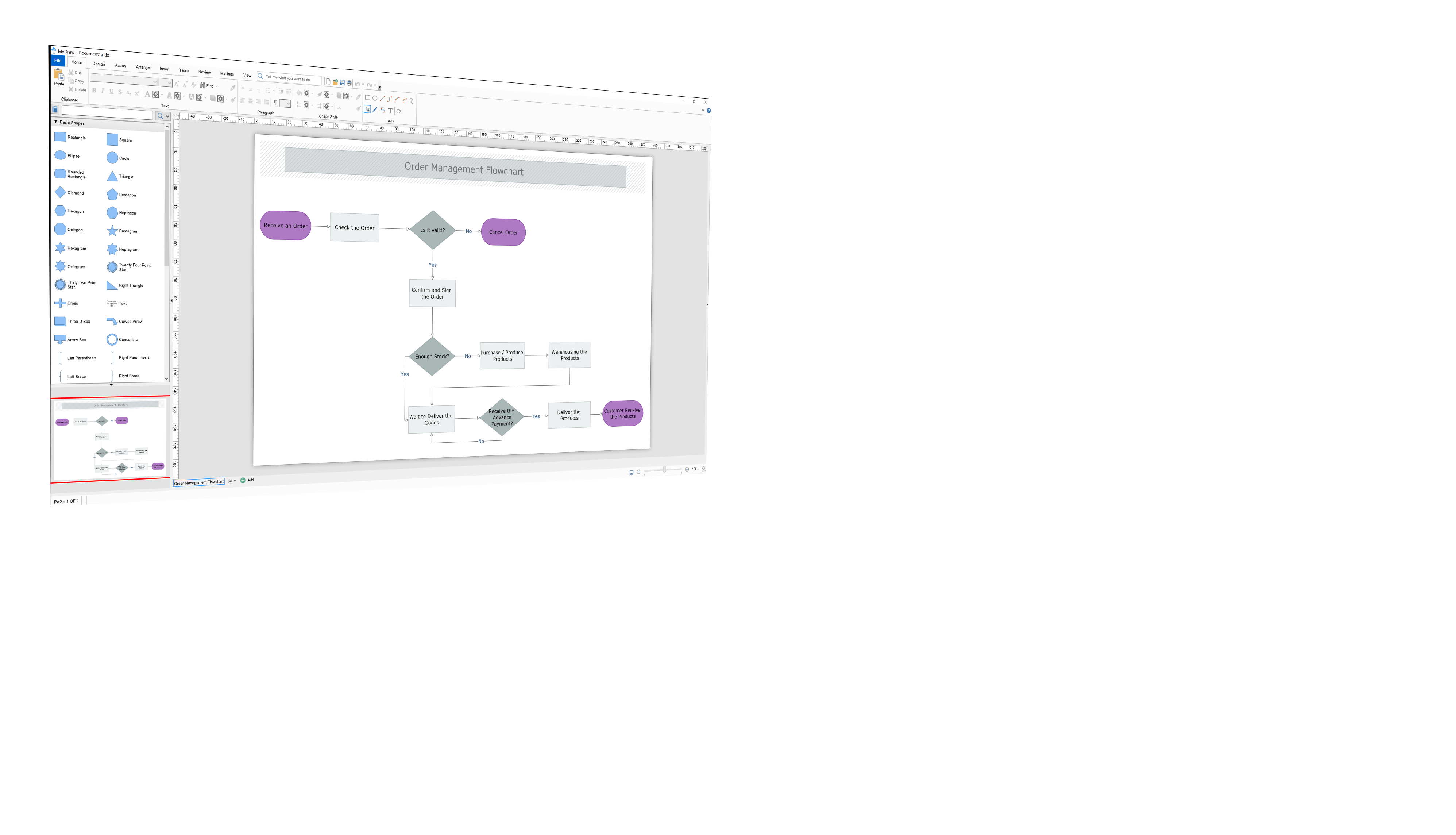
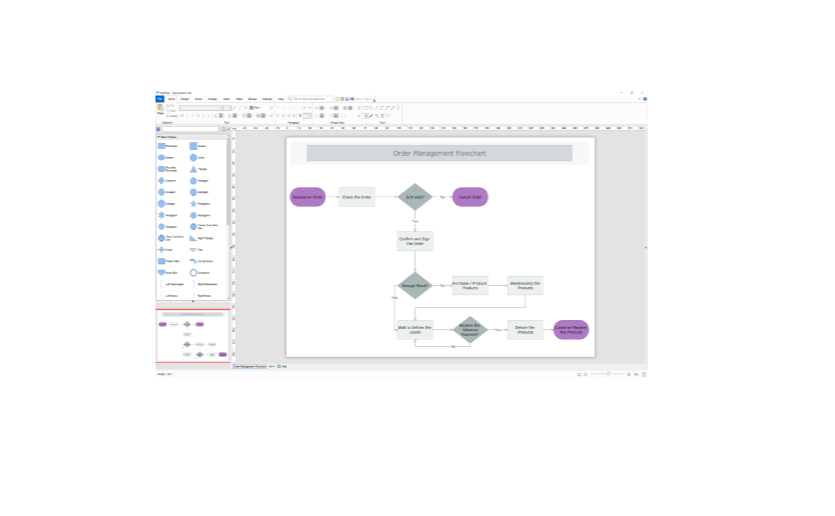
Friendly UI
User-Friendly interface, inspired by Microsoft Office. Localizable to English, German, Spanish, and many other languages.


Visio Compatibility
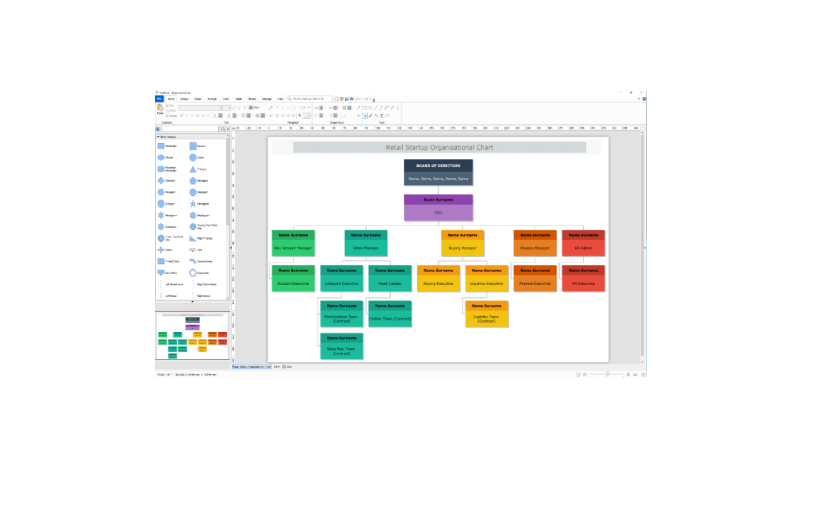
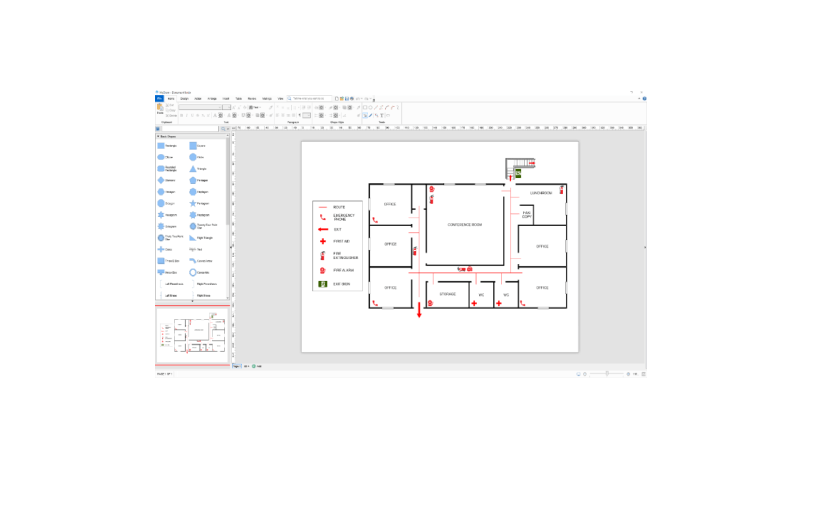
Amazing Visio compatibility. Load and save Visio drawings and stencils with great detail. Similar to Visio UI and features.
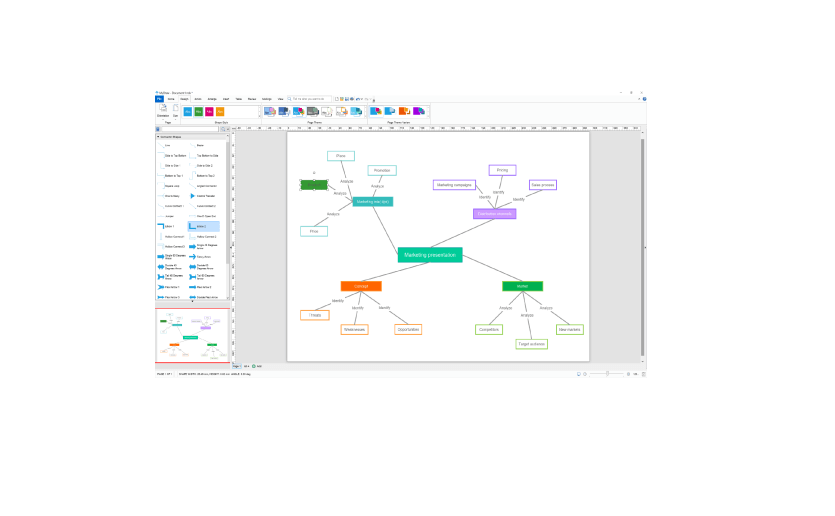
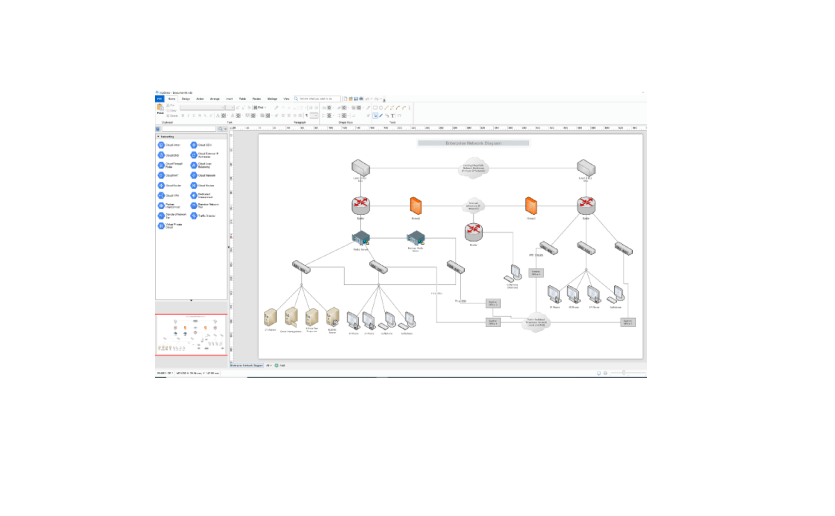
Shapes
Thousands of smart and clip-art shapes on diverse topics. Whatever diagram you create it is likely that we already have a set of shapes for it.
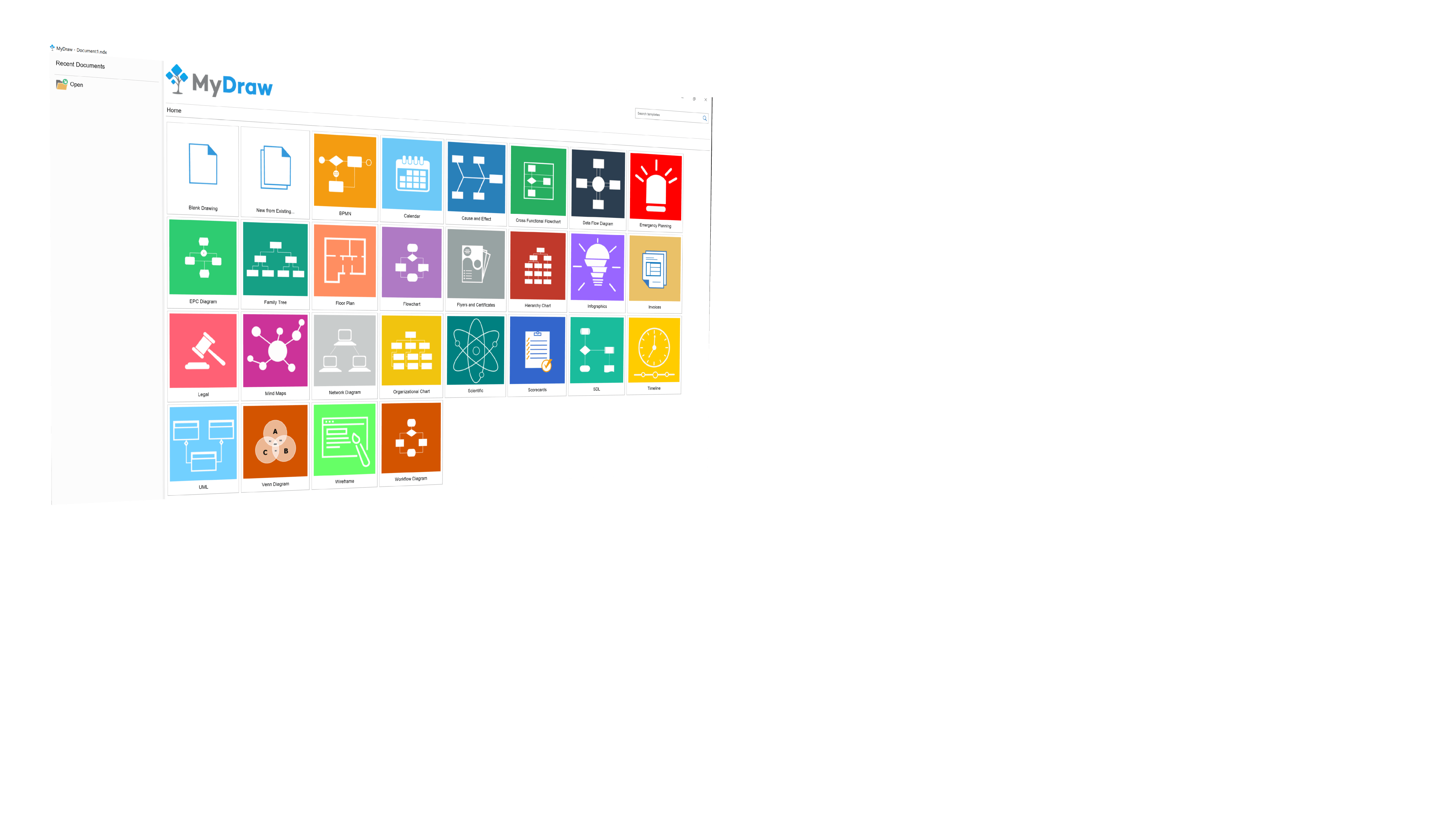
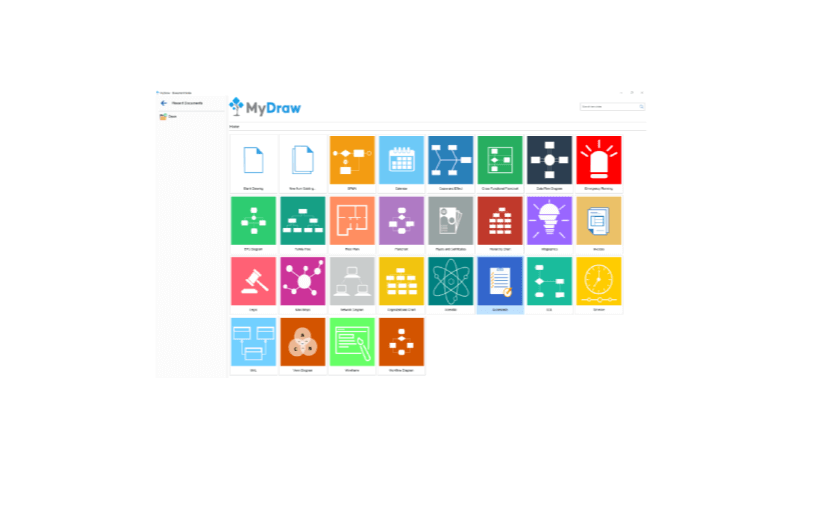
Templates
Get your drawings done in no time with hundreds of professionally-designed diagram templates.
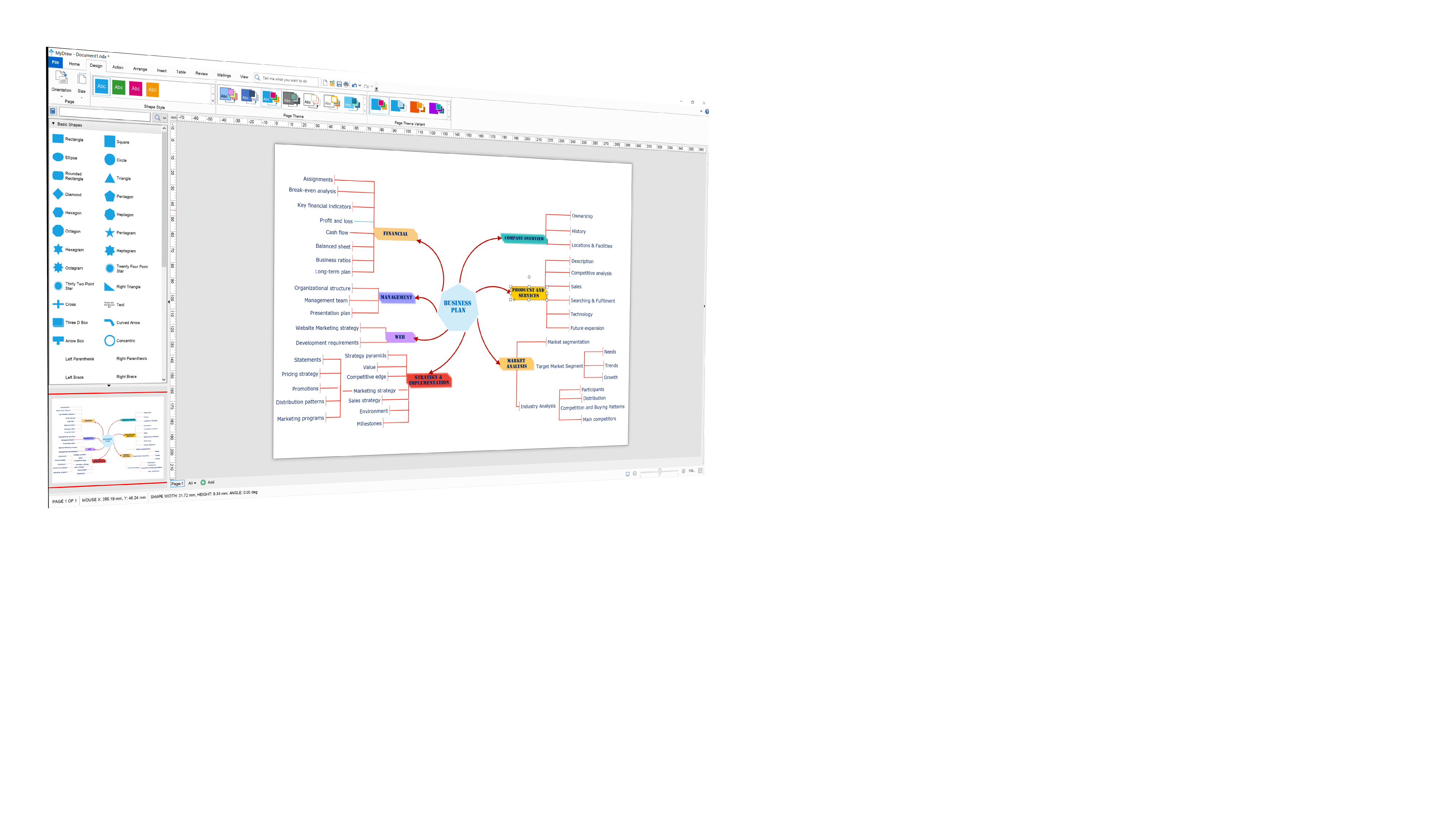
Advanced Features
Rich Text Formatting, Tables, Composite Solid Geometry, Automatic Layouts, Barcodes and many other features included out-of-the-box.
Flexible Licensing
Perpetual (One-Time Purchase), Subscription, and Corporate Licensing models are available to fit every client’s needs.
Learn More
Get Started with MyDraw
Browse ready-to-use templates
Explore our growing library of shapes
Watch videos and read online tutorials
Join the Community
What our customers say?
MyDraw is one interesting flow-chart editor.
Very good "geometry" options; library import feature; ribbon user interface; bar-code and Qr code creator; plenty of options in general.
Edo Modun
MyDraw is professional, features laden and affordable flowchart software that is easy to use.
Easy to use and self-contained. A large number of templates and libraries of shapes suitable for both professionals and non-professionals alike. You start with a predefined template or from a blank drawing. From there you have a lot of options to arrange, insert, manipulate, review and mail your flowchart. The interface customization allows for different UI Themes and languages. You can even alternate in between the trendy ribbon and command bars. I personally prefer the clarity of the ribbon look. The finished work can be completely or partially saved in many popular formats such as Visio, AutoCad, GEDCOM, PDF, Raster( like PNG, JPG, BMP and GIF), SVG, HTML and others. MyDraw is responsive, easy to use and it gives me a professional result whether I produce a quick or a more detailed flowchart combining many elements. it is available for Windows and Mac. Highly recommended.
MyDraw is a real-time saver. I am able to quickly create flowcharts for different purposes, ranging from personal to highly professional presentations. I benefited from the ability to export my work in many different formats I work with on a regular basis. The HTML and PDF formats are especially helpful. It is important to me to be able to use predefined shapes and templates along with my own media and to easily edit and combine them into a finished product that really incorporates within the rest of my professional and personal Eco-system.
Zoran Lukic
It is a good tool for teachers.
It's in Microsoft Office style.
The price is extraordinary. Just try to buy Visio...
It is easy to use.
Remus Stoian
As a MAC user, I use MyDraw which provides more than enough process flowcharting capabilities.
I especially like the ability to read Visio (vsd) files.
Marc Sachdev, Cisco Systems
As a MAC user, I use MyDraw which provides more than enough process flowcharting capabilities.
I especially like the ability to read Visio (vsd) files.
Marc Sachdev, Cisco Systems
As a test, I installed the latest MyDraw version. I am surprised about all possibilities one has, and how easy it is to work with MyDraw.
A first good test was to see how MyDraw handled an import of a GedCom file. Amazing how quick the import was ready and to see the result. In addition, it is very easy to make adjustments, for example dynamically move/add/delete items. Further, I did some tests with other present wizards, and there are a lot of them. Again, I am surprised how easy it is to work with the program.
This means that I am very happy with the program and that I am looking forward to use it for every drawing/schematic I need to make.
Bob Loeffen
I find MyDraw a great graphic design tool. It has everything you need to create whatever kind of visual idea you might have. It comes with some pre-designed shapes and objects, but you can customise every aspects of them, or simply create your own with the professional tools built within.
The text element comes with many beautiful and interesting font settings. I especially love the gradient color customizable features. You can create some amazing shades and combinations.
With this program, literally the sky is the limit. It's also very user friendly and easy to understand, which cuts the learning curve short.
After trying many other programs to create a logo for my new business, I quickly created one that I found overall satisfying to my vision, it looks beautiful.
This is a program I would definitely recommend.
Rea Hailley
I have enjoyed using MyDraw since it has many templates to help you get started on creating your design. Then the program has numerous pre designed shapes to help continue with your project.
The titles on the tabs at the top clearly label the different functions inside them, and the layout of tools are placed well, making working on a design very easy.
I like the barcode and QR code creator, it is a nice feature for someone wanting to try them out.
MyDraw has various export options, which give you choices on how to use your creations.
Ken Parker
I had a little flow chart to do and was glad to be able to test MyDraw and did much more then.
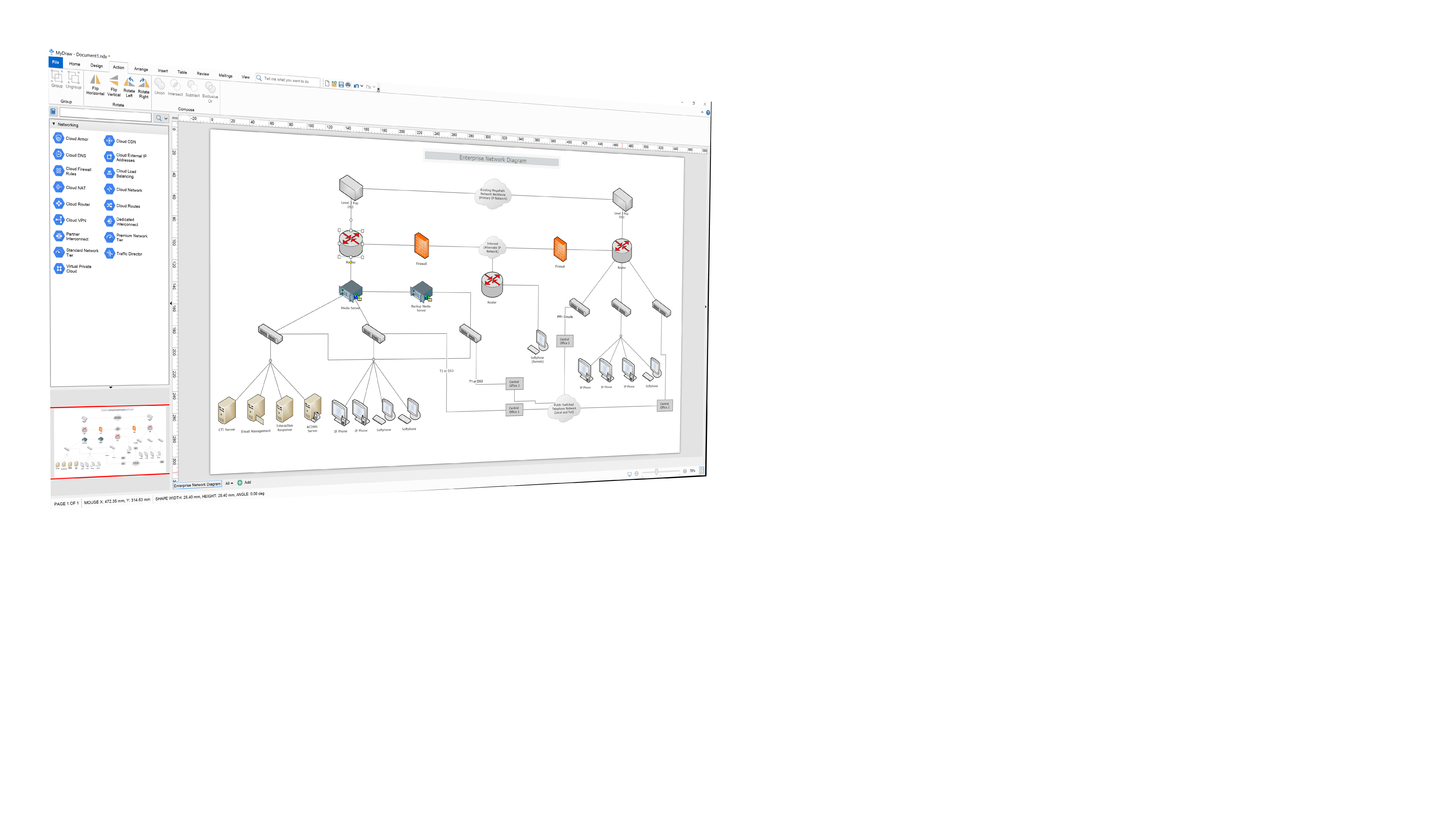
A long time ago I knew Visio and kept quite a bad memory about it. With MyDraw I found some example charts and only had to modify some ! It was so fast to do that I did much more charts than I planned to. For the first time I made a nice network diagram and thrown away my old paper drawing. I saw then that I was able to import Gedcom files to have my own family tree from an online site, a nice use of this backup file. I'm only at the beginning of my use of this soft, there are a lot of tools I didn't used yet. I plan to use it for some internet pages as I can export as html, maybe I will be able to start some Autocad project to with .dxf export. Visio format is there too if I find this soft again ... There is even a mailing function, maybe a good idea for flyers diffusion. I feel like it is a fusion of Visio, Corel Draw and Word, I think I like it.
Jean-Jacques Jollet
For me it is the best. Drawing features, huge library, great support, many properties, precreated templates...
Zsolt H.
Featured On
MyDraw Reviews
Famous Clients
Features
User Interface
Vector Drawings
Shapes and Connectors
Rich Text and Tables
Barcodes
Automatic Layouts
Printing and PDF
Image Generation
Data Import
Visio® Compatibility
Jira® Integration
Confluence® Integration
Diagram Automation
Resources
Free MyDraw and Visio Viewer
Diagram Types
Diagram Templates
Shape Libraries
Order
Licensing
Discounts
Get MyDraw for Free
Returns Policy
Sales FAQ
Resellers
Reseller Program
Custom Payment
Support
Video Tutorials
Documentation
How-Tos
Forums
About Us
Contact Us
Compliance
News
Customers
Testimonials
EULA
TRY IT FREE
Connect with Us:
Contact Us
Privacy Policy
Terms of Use
Copyright © 1998-2026 Nevron Software LLC. All rights reserved.